How to Sync WooCommerce Stock with Google Sheets

When it comes to managing stock on your WooCommerce store, there are often a couple of issues that can make it challenging. Firstly, getting a clear overview of the stock in WooCommerce is not easy. Secondly, for stock keeping purposes, many businesses prefer keeping track of their inventory in external systems or spreadsheets.
Why you should sync WooCommerce stock with Google Sheets
Keeping separate inventory systems up-to-date manually is a pain. An alternative to this is to synchronize your external stock system with the WooCommerce stock. There are several ways of doing this, depending on which system you use for stock keeping.
The easiest way in my opinion is to sync your WooCommerce stock with a Google Sheet. Luckily, there are several WordPress plugins that do exactly this. I will shortly review some of them below. I have also created a simple plugin that you can use for free.
The difference between one-way and two-way sync
There are two ways to do stock synchronization. The simplest is one-way syncing from your sheet into your WooCommerce store, which means the stock in your store will be overwritten by the values in the sheet. The downside of this is that orders are not automatically accounted for, and you will have to manually deduct the sold items from your external inventory. This can be a big pain, especially for stores with many orders.
With two-way syncing, this isn’t an issue as the sold items are automatically deducted from your external sheet. Likewise, when you add new stock to your external sheet, it will be automatically reflected in your store without you having to do anything.
WooCommerce stock sync plugins
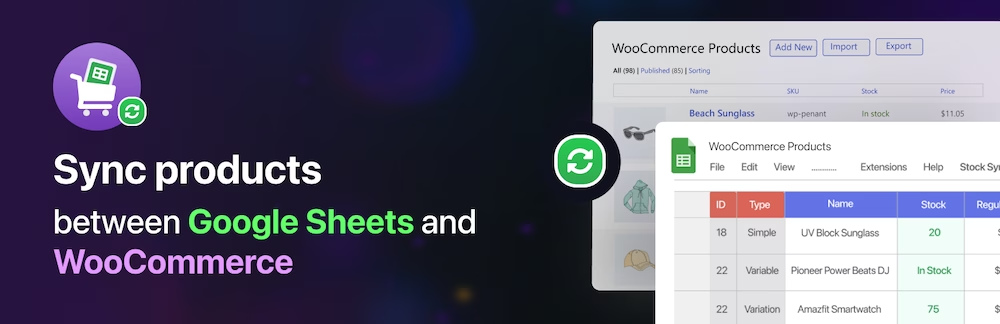
FlexStock by WPPOOL
The first plugin I want to mention is FlexStock by WPPOOL. This is a well-made professional plugin with support for two-way syncing. This makes it extremely easy for stores with frequent orders, as the two-way sync will automatically deduct the order items from your external Google sheet.
The only downside I see with this plugin is that it isn’t possible to customize your Google sheet or reorganize it. For example, you might wish to organize your products into groups or use color coding, but this isn’t possible.
Stock Synchronization for WooCommerce
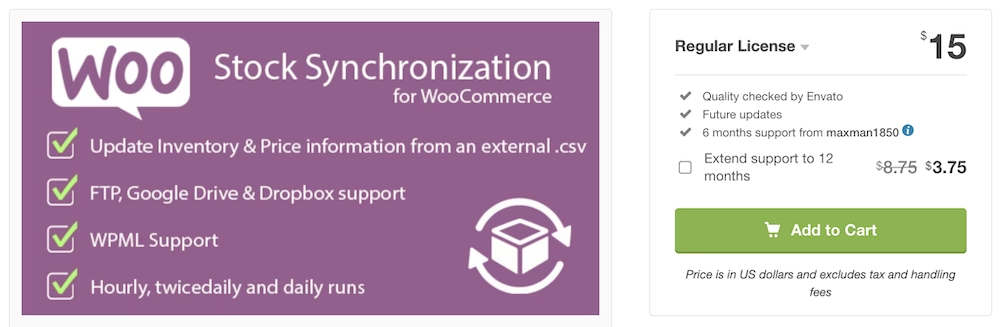
The second plugin I want to mention is Stock Synchronization for WooCommerce. It’s a paid plugin and supports one-way sync only. I was using this earlier, but the plugin hasn’t been updated for 3 years and isn’t compatible with the new High-Performance Order Storage (HPOS) system of WooCommerce.
Free Google Sheets WooCommerce sync plugin
Because I couldn’t find a plugin that suited my needs, I created a very simple plugin to sync your WooCommerce stock with a Google Sheet. It’s free to use and you can find it at my GitHub repository. The plugin supports High-Performance Order Storage (HPOS).
The plugin uses the Stock Keeping Unit (SKU) to identify and sync the products.
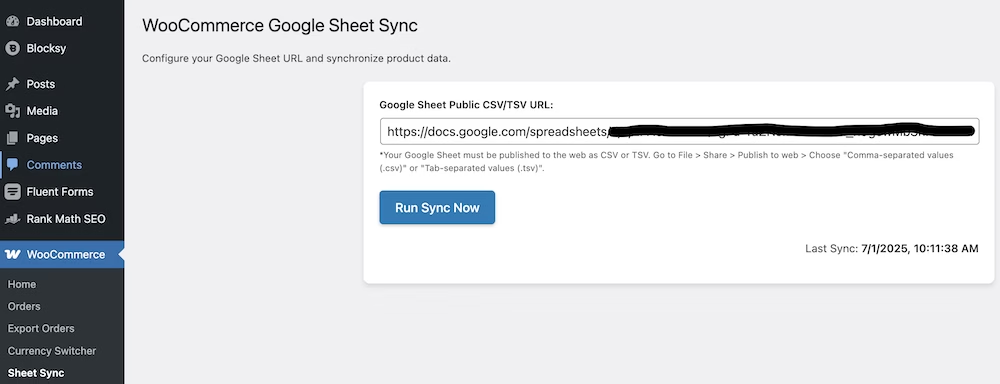
The plugin is very simple and there are no settings. All you need to do is add the URL of your published CSV file, and click ‘Run Sync Now’. The sync is entirely manual and one-way only, from the sheet to your WooCommerce stock.
How to use:
- Download and install the plugin.
- Create a Google Sheet with the following columns:
- SKU
- Stock
- Regular Price
- Sale Price
- Publish the sheet as CSV and copy the URL
- Go to WooCommerce –> Sheet Sync in your Dashboard
- Fill in the sheet URL and click “Run Sync Now”
That’s all!
You can add other columns with any information you like, but only the 4 listed columns will be synced. You can also color code or organize the sheet as you please, it won’t affect the syncing process.
Need help setting up or managing your WooCommerce store?
I have years of experience installing and managing WooCommerce stores. If you need help, feel free to reach out with your questions, or choose one of my WordPress Maintenance plans to remove this headache from your to-do list.
Frequently asked questions
Need help?
If you need help, check out our services below: